MacBook Battery Replacement Cost in Thailand (2026)
Your MacBook was fine last year, but now it dies at 40%. You plug it in, unplug it, and watch the percentage fall like a countdown. You need a new...
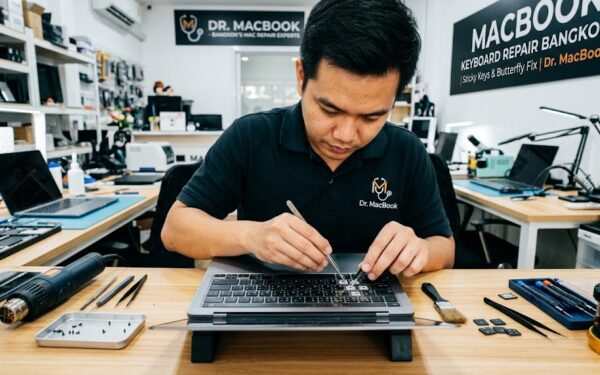
MacBook Keyboard Not Working? Sticky Keys, Butterfly Failures & Replacement Options August 28, 2026 Dr. MacBook Repair Guide · Dr. MacBook Bangkok MacBook Keyboard Not Working? Here’s What Actually Helps...
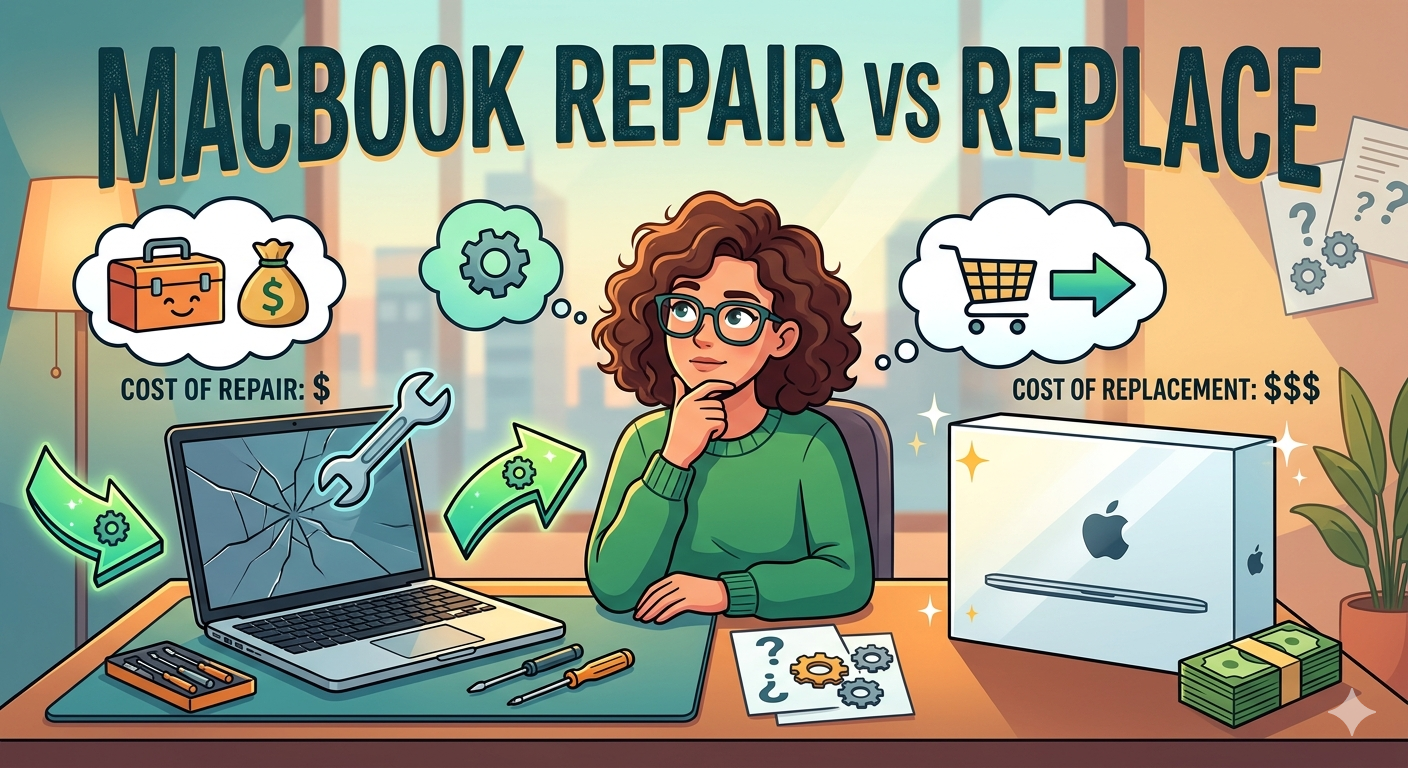
\n MacBook Repair vs Replace \n \nMay 06, 2026\nDr. MacBook\n \n \n\n \n \nRepair Guide · Dr. MacBook Bangkok \n Is It Worth RepairingMy MacBook? \n The honest guide to...
\n My MacBook won’t turn on! \n \nMay 06, 2026\nDr. MacBook\n \n \n\n \n \nTroubleshooting Guide · Dr. MacBook Bangkok \n MacBook Won’t Turn On?Here’s What to Do \n A...
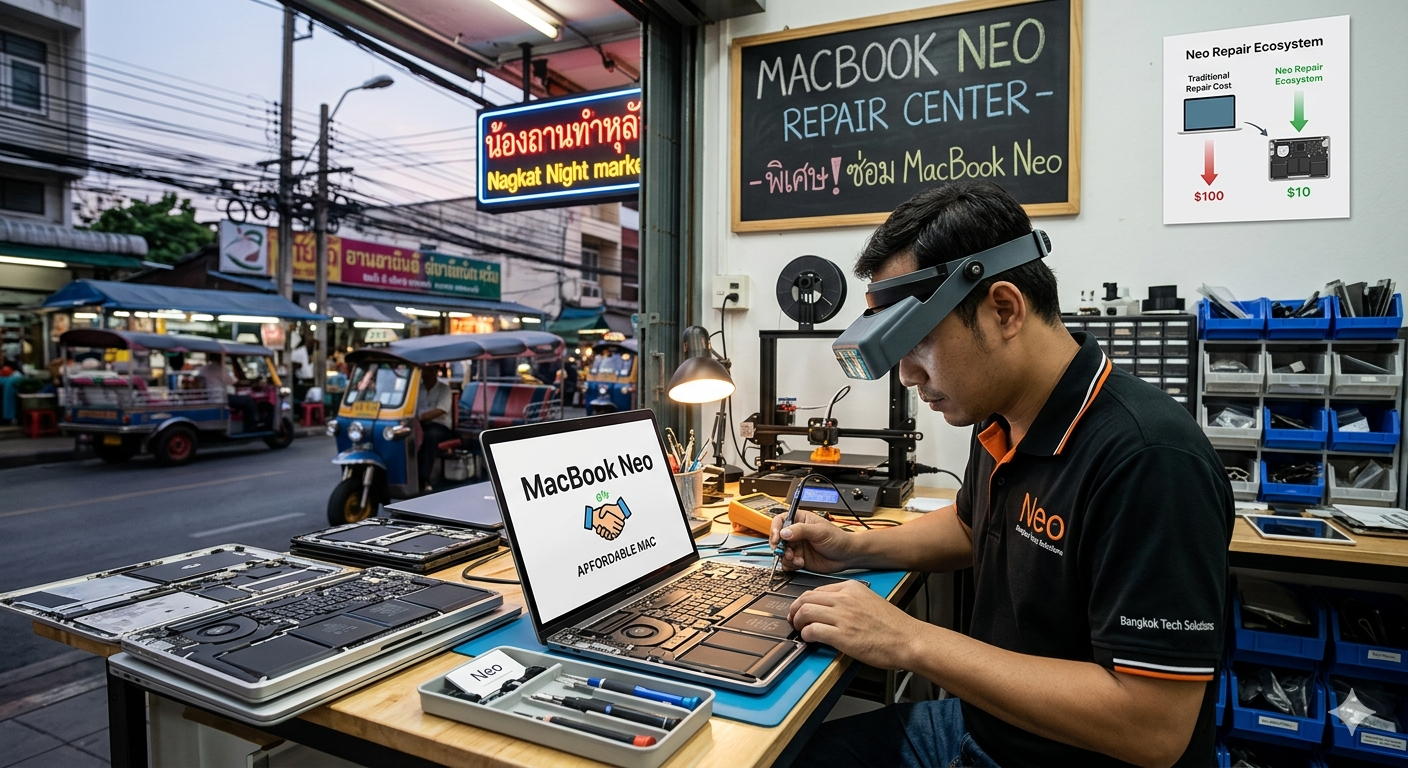
\\n \\n Mac News \\n Apple released an affordable Mac — why it changes the game, and what it means for repairs in Thailand \\n By Dr. MacBook Thailand ·...
Most MacBook users discover their favourite shortcut or setting by accident — months or years after they could have been using it. This guide collects the ten most useful habits,...
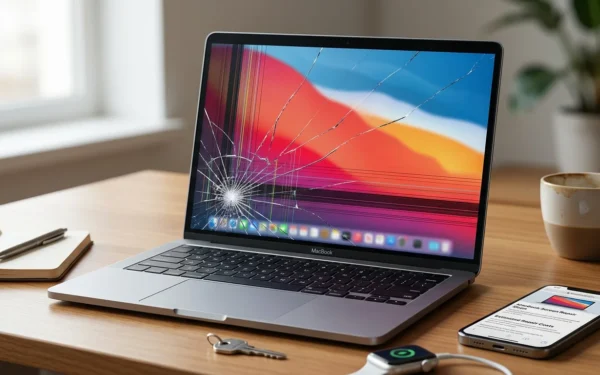
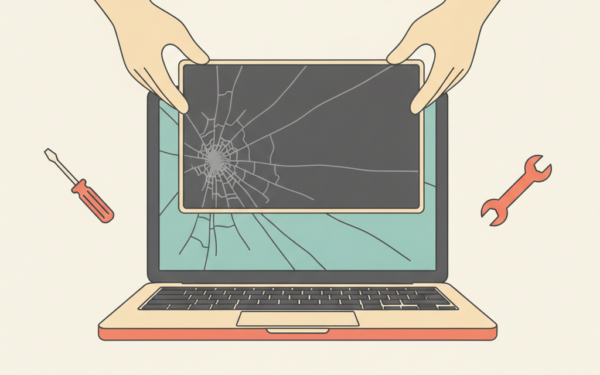
MacBook Screen Cracked? Here’s Why It Happens and What to Do April 17, 2026 Dr. MacBook Screen Repair Why MacBook Retina displays crack so easily — and what your repair...
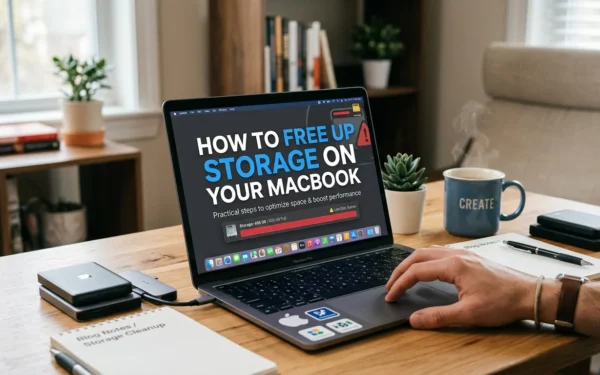
How to Free Up Storage on Your MacBook April 17, 2026 Dr. MacBook Tips & Tricks A step-by-step guide to reclaiming gigabytes — without deleting anything you’ll regret. By Dr....
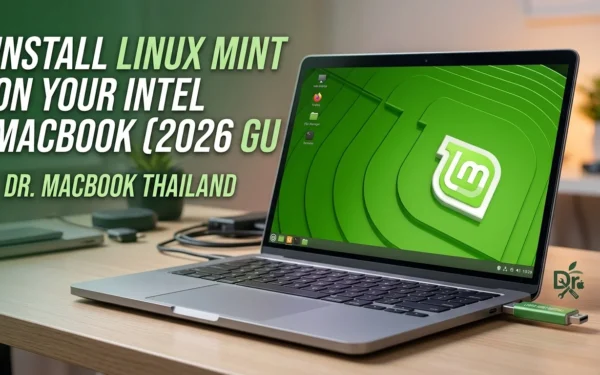
Install Linux Mint on Your Intel MacBook (2026 Guide) | Dr. MacBook Thailand April 04, 2026 Dr. MacBook Mac Repair Guides Apple is dropping support for your 2020 Intel Mac....
Discover how to check, charge, and calibrate your MacBook battery — and know exactly when it's time for a replacement.
Learn the best ways to back up your MacBook — from Time Machine to iCloud — so your data is always safe.
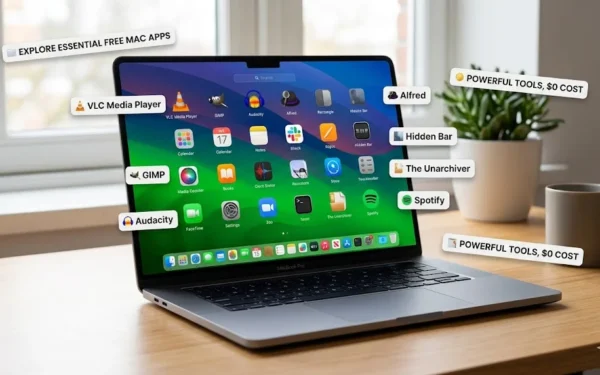
The free Mac apps our technicians actually recommend — for performance, security, and productivity.
Simple steps to make your MacBook faster — from cleaning out dust to disabling hidden startup programs.
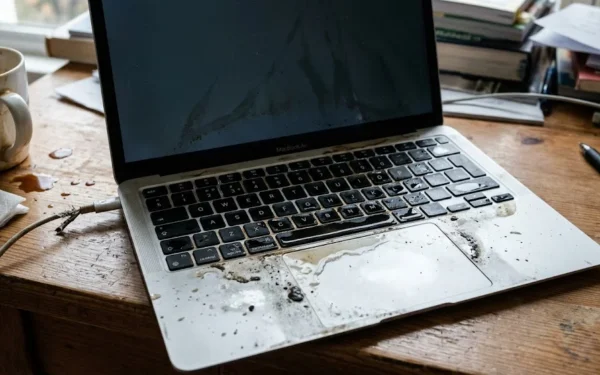
Spilled something on your MacBook? Find out exactly what to do in the first 60 seconds to save your Mac.