
MacBook Pro Touch Bar 13-inch (Late 2016–Mid 2017) (A1706) Repair Bangkok
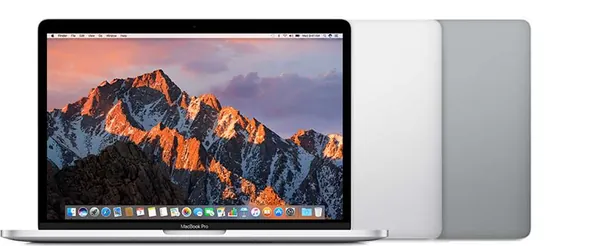
First 13-inch Touch Bar MacBook Pro with dual-core (2016) or quad-core (2017) processors. Thinner design with Touch Bar and Touch ID.
Our Services for the MacBook Pro Touch Bar 13-inch (Late 2016–Mid 2017)
Parts Replacements
Battery, screen, keyboard, trackpad and more. Original and high-quality OEM parts.
Liquid Damage Cleaning
Dropped liquid on your Mac? Our Ultrasonic Cleaning Service can fix that!
Logicboard Repairs
Apple says you need a new Logicboard? Let us try to fix it instead!
Software Problem?
Your Mac stopped working after a macOS update? We can help you out!
Running Hot?
Use our cleaning service to bring your Mac back to life!
Free Diagnostic
Not sure what is wrong? We offer a free diagnostic — no fix, no pay!
Available MacBook Pro Touch Bar 13-inch (Late 2016–Mid 2017) Repair & Part Replacements
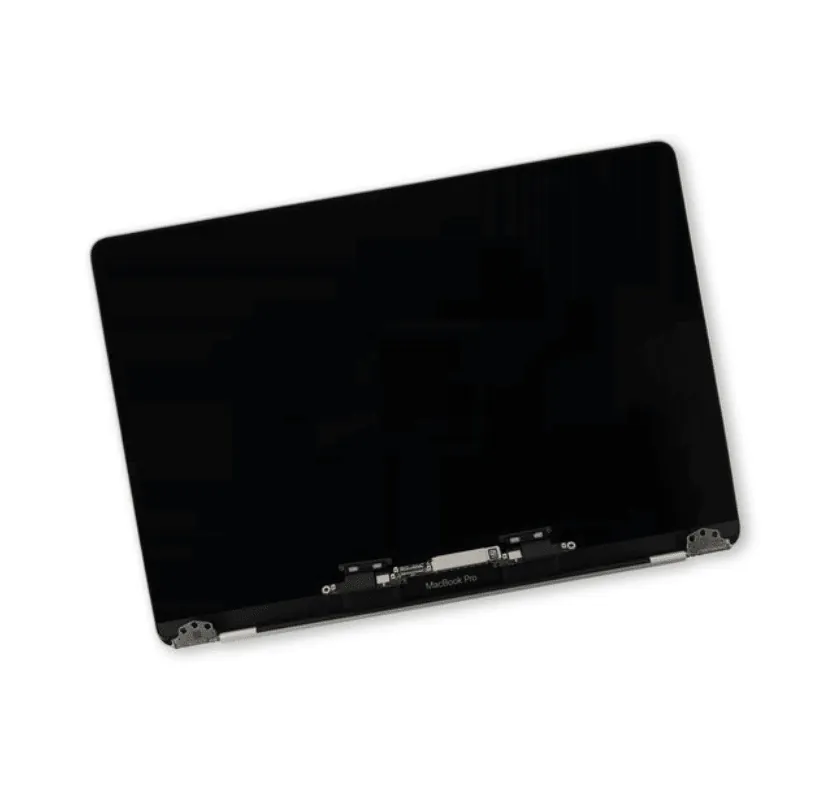
LCD Only Display MacBook Pro Touchbar 2016/17
LCD Only Display MacBook Pro Touchbar 2016/17 is very difficult to replace and we do not recommend you try it yourself. The time we need for this repair is 2-3 days. If you are very picky it is always better to choose the full factory build display assembly. If you are on a tight budget this might be the best option. Buy Part DIY
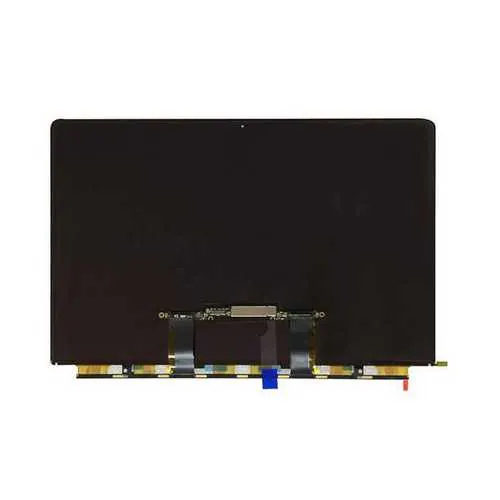
Battery for MacBook Pro Touchbar 2016/17
The Battery for MacBook Pro Touchbar 2016/17 is glued into the frame and therefore difficult to replace without the right tools. If you plan a visit with our repair tech, we can do this job for you in 30-60 minutes! Buy Part DIY
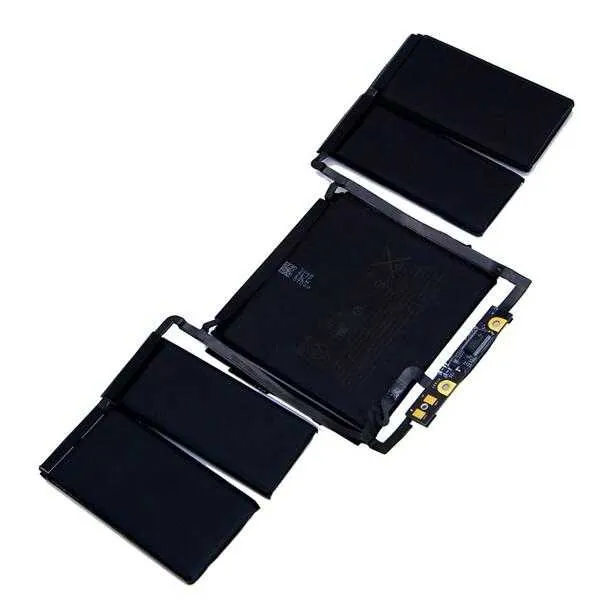
Keyboard for MacBook Pro Touchbar 2016/17
The Keyboard for MacBook Pro Touchbar 2016/17 is pop nailed to the frame identical to the non touch bar, making replacement a nightmare. It is recommended to let our experienced technician do this job for you. If you still feel confident, grab an keyboard from our webshop! Or, plan a visit and let us do this job for you instead. Buy Part DIY
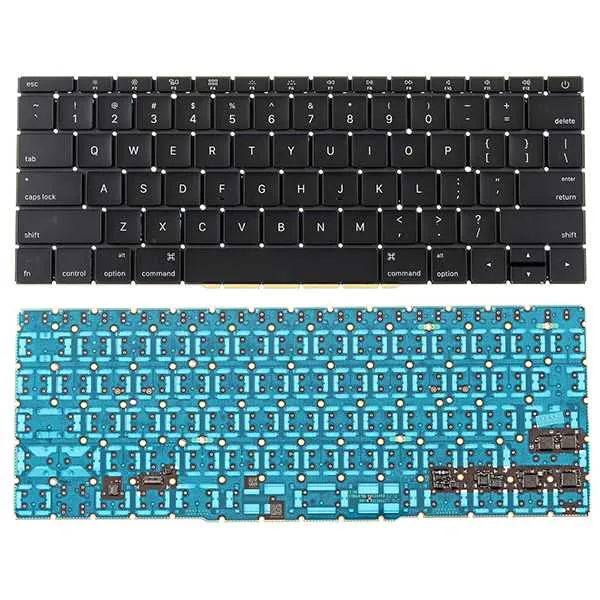
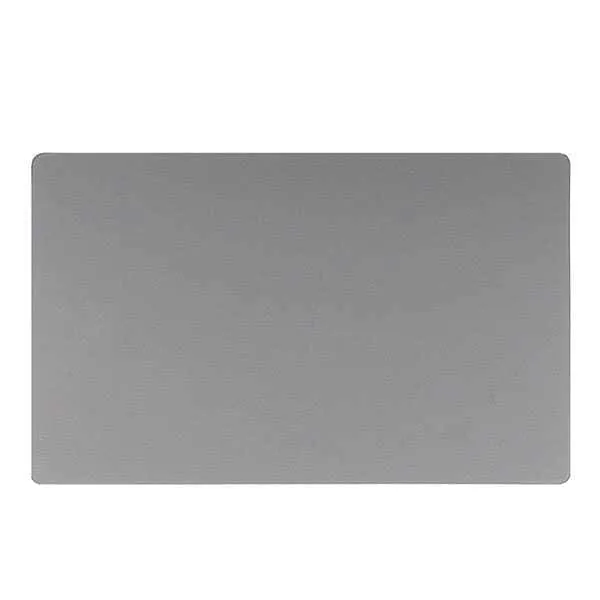
Trackpad for MacBook Pro Touchbar 2016/17
The trackpad for the Trackpad for MacBook Pro Touchbar 2016/17 is quite easy to replace with the correct screw drivers. The replacement will take about 15-30 minutes, There is no need to remove the battery like with the older retina's. If you don't want to do it yourself just plan an appointment! Buy Part DIY
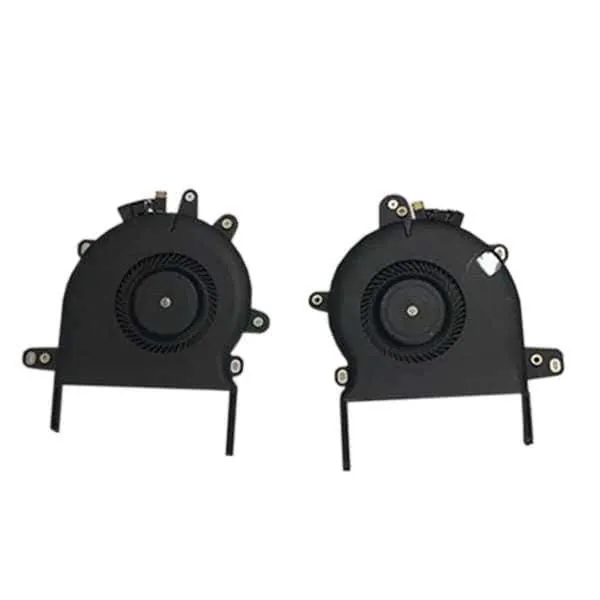
Fan for MacBook Pro Touchbar 2016/17
The fan for the Macbook Air 2010/2011 is easy to replace yourself. The replacement will take about 20 minutes. You do need special screw drivers for it to be able to remove it. Alternatively, plan an appointment with our Tech and we will do it for you in 15 minutes of your time. Buy Part DIY
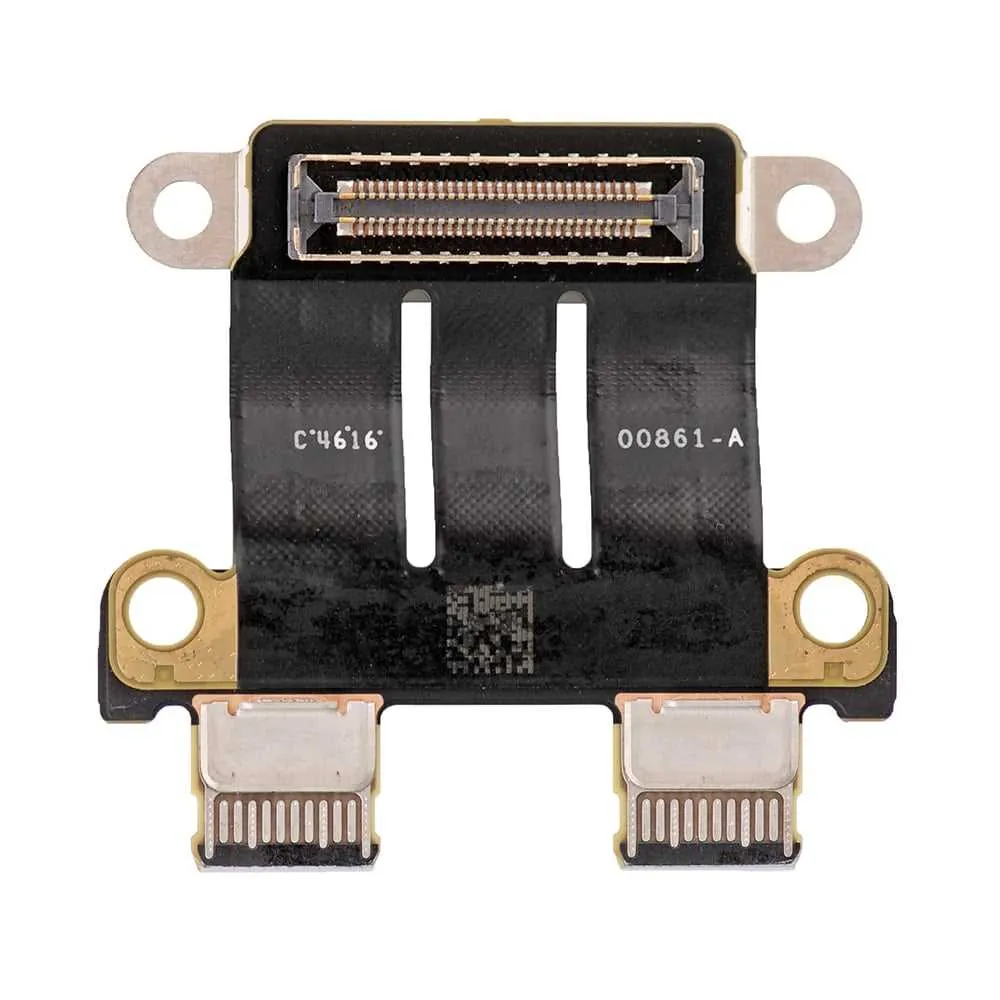
USB-C Board for MacBook Pro Touchbar 2016/17
To replace the USB-C ports of the MacBook Pro Touchbar 2016/17 the logic board will have to be removed completely, making this a pretty complex operation. The Type-C ports are prone to corrosion and your Macbook unable to charge is often caused by this. We can replace this part for you in about 1 hour. Book your appointment in advance! Buy Part DIY
Speakers for MacBook Pro Touchbar 2016/17
It is quite a complex job to replace the speakers for the MacBook Pro Touchbar 2016/17. If you think you are up to the task you can order the parts from our webshop. If you want our technician to do it for you, just plan an appointment with our handy planner. Buy Part DIY
Ready to Get Your MacBook Pro Touch Bar 13-inch (Late 2016–Mid 2017) (Late 2016 – Mid 2017, A1706) Fixed?
Book your free diagnostic today. Same-day service available.