
MacBook Pro Retina 15-inch (Late 2013–Mid 2014) (A1398) Repair Bangkok
Haswell-generation 15-inch MacBook Pro Retina with Iris Pro or dedicated NVIDIA/AMD graphics. The reliable pre-Touch Bar era with great performance.
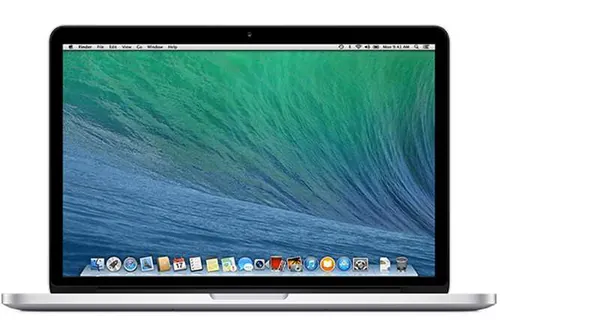
Our Services for the MacBook Pro Retina 15-inch (Late 2013–Mid 2014)
Parts Replacements
Battery, screen, keyboard, trackpad and more. Original and high-quality OEM parts.
Liquid Damage Cleaning
Dropped liquid on your Mac? Our Ultrasonic Cleaning Service can fix that!
Logicboard Repairs
Apple says you need a new Logicboard? Let us try to fix it instead!
Software Problem?
Your Mac stopped working after a macOS update? We can help you out!
Running Hot?
Use our cleaning service to bring your Mac back to life!
Free Diagnostic
Not sure what is wrong? We offer a free diagnostic — no fix, no pay!
Available MacBook Pro Retina 15-inch (Late 2013–Mid 2014) Repair & Part Replacements
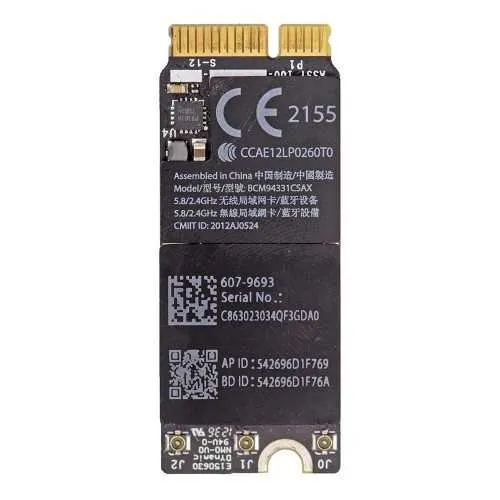
Airport card for MacBook Pro Retina 15-inch Late 2013/Mid 2014
This is the Airport Wifi/Bluetooth card for the MacBook Pro Retina 15-inch Late 2013/Mid 2014. It can be replaced after removing the bottom plate within minutes. You can do this job yourself if you are a little bit handy. You can also plan an appointment with our technician and we can help you install an new Wifi/BT card within minutes. Buy Part DIY
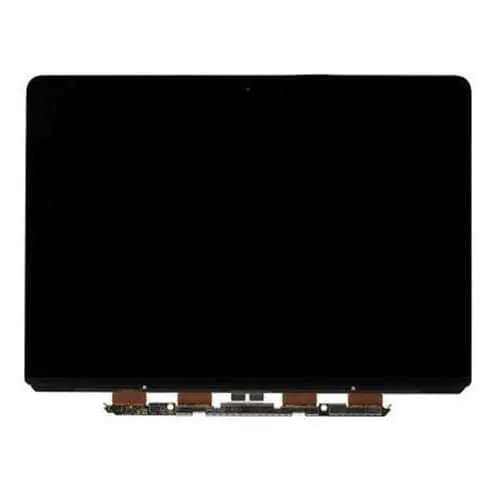
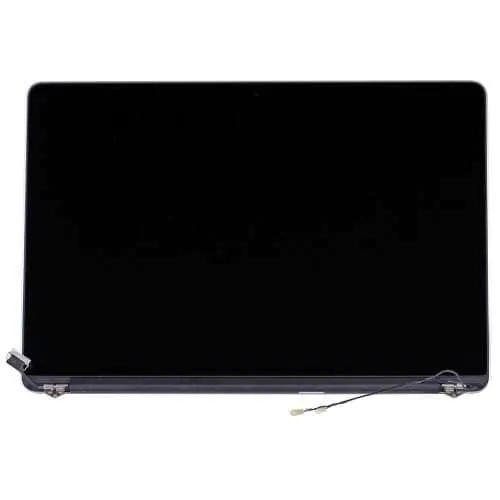
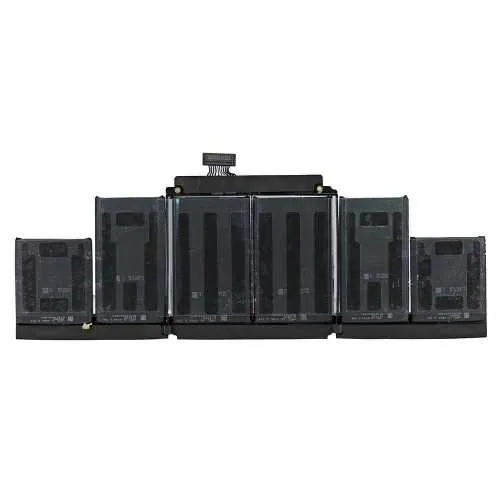
Battery for MacBook Pro Retina 15-inch Late 2013/Mid 2014
The battery for the MacBook Pro Retina 15-inch Late 2013/Mid 2014 is super-glued into the top frame and not easily replaceable. If you are confident you can replace it yourself you can buy it from our webshop. Or plan a meetup with our technician and have him install it for you within 30 minutes. We include cleaning + cooling paste replacement as an extra with our battery replacement service. Buy Part DIY
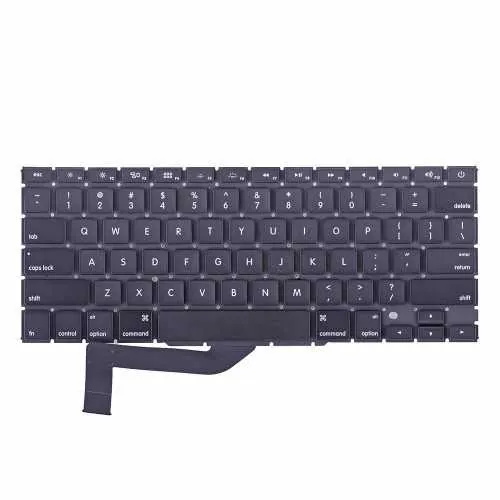
Keyboard for MacBook Pro Retina 15-inch Late 2013/Mid 2014
The MacBook Pro Retina 15-inch Late 2013/Mid 2014 keyboard is fixed to the frame with pop-nails and not easy to replace. We suggest you plan a meetup and let our technician replace it for you in 1-2 hours of your time. Buy Part DIY
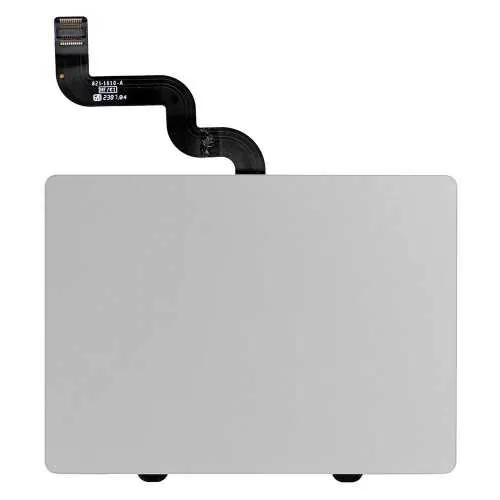
Trackpad for MacBook Pro Retina 15-inch Late 2013/Mid 2014
The trackpad for the MacBook Pro Retina 15-inch Late 2013/Mid 2014 is not easy to replace as it is glued under the battery. The replacement will take about 30-60 minutes. Not sure you can do it yourself? Plan an appointment with our repair technician. Buy Part DIY
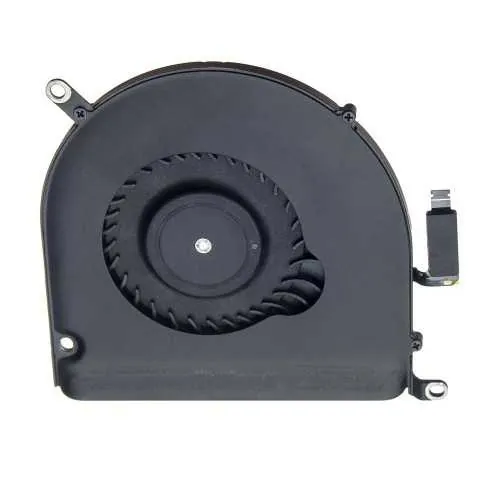
Fan for MacBook Pro Retina 15-inch Late 2013/Mid 2014
The fans for the MacBook Pro Retina 15-inch Late 2013/Mid 2014 are easy to replace yourself. The replacement will take about 15 minutes. You do need special screw drivers for it to be able to remove it. Alternatively, plan an appointment with our Tech and we will do it for you in 15 minutes of your time. Buy Part DIY
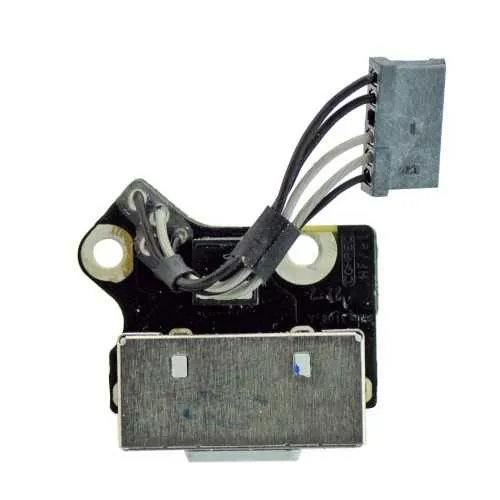
MagSafe Chargeport for MacBook Pro Retina 15-inch Late 2013/Mid 2014
The MagSafe charger for the MacBook Pro Retina 15-inch Late 2013/Mid 2014 is not easy replaceable as the complete logicboard will have to be removed. If your Mac is not charging and doesn't have a green/orange light in most cases this is not a MagSafe issue but a logicboard issue. Plan an appointment with our technician and we will check the issue for you free of charge. If the charge port needs replacement it will take us about 30 minutes. Buy Part DIY
Speakers for MacBook Pro Retina Late 2013/Mid 2014
To replace the speakers for MacBook Pro Retina Late 2013/Mid 2014 you will have to remove the logicboard and or I/O board which is not easy if you have no experience. These speakers are failing a lot but we can replace them for you in about 30 minutes. Please plan an appointment with our technician. Buy Part DIY
SSD drive for MacBook Pro Retina Late 2013/Mid 2014
The SSD drive for the MacBook Pro Retina Late 2013/Mid 2014 is available in 256GB, 512GB and 1TB sizes. Most of the available drives are used drives. Alternatively there are compatible drives available from Transcend that are both cheaper and have a 5 years warranty and come new in box. Lastly we can use an adapter and use a standard PC M2 PCIE Drive which will be a much cheaper solution and can be bought upto 1TB. With the right tools you can replace the drive within 15 minutes, or, visit our technician. We will do the backup of your data or the clean install of the OS free of charge! Buy Part DIY
Ready to Get Your MacBook Pro Retina 15-inch (Late 2013–Mid 2014) (Late 2013 – Mid 2014, A1398) Fixed?
Book your free diagnostic today. Same-day service available.