
MacBook Pro Retina 13-inch (Late 2012–Early 2013) (A1425) Repair Bangkok
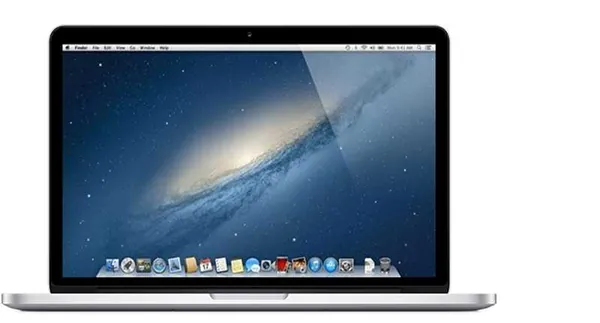
The first 13-inch Retina MacBook Pro. Ivy Bridge dual-core processors in the new thin Retina chassis with high-resolution display.
Our Services for the MacBook Pro Retina 13-inch (Late 2012–Early 2013)
Parts Replacements
Battery, screen, keyboard, trackpad and more. Original and high-quality OEM parts.
Liquid Damage Cleaning
Dropped liquid on your Mac? Our Ultrasonic Cleaning Service can fix that!
Logicboard Repairs
Apple says you need a new Logicboard? Let us try to fix it instead!
Software Problem?
Your Mac stopped working after a macOS update? We can help you out!
Running Hot?
Use our cleaning service to bring your Mac back to life!
Free Diagnostic
Not sure what is wrong? We offer a free diagnostic — no fix, no pay!
Available MacBook Pro Retina 13-inch (Late 2012–Early 2013) Repair & Part Replacements
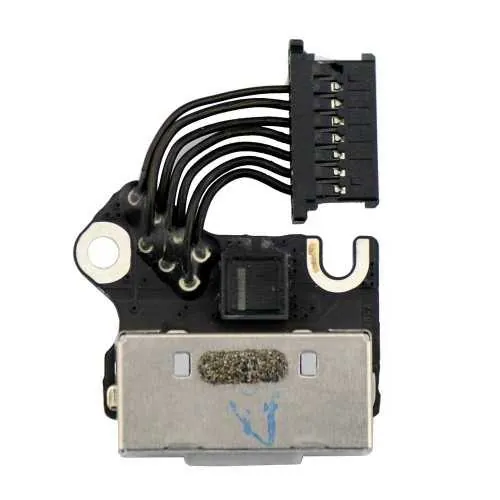
MagSafe 2 Charge Port MacBook Pro 13-inch Late 2012/Early 2013
This is the MagSafe 2 charge port for the MacBook Pro 13-inch Late 2012/Early 2013. To replace it, the logic board will have to be removed from the housing which can be a complicated task if you are not experienced. If you have no light on the charger, in most cases this is not caused by this part failing, but by a defective charge IC on the logic board. To make sure, please plan a visit with our technician and we can check it for you free of charge. Buy Part DIY
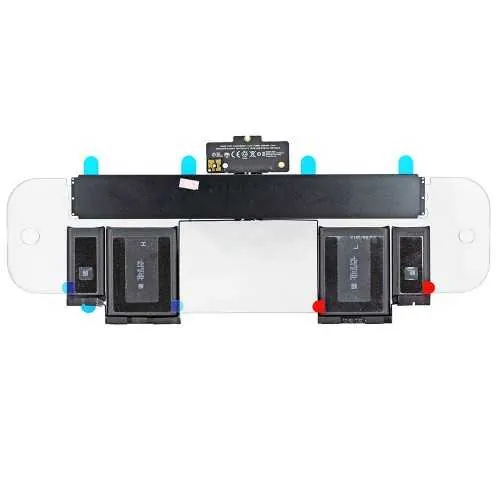
Battery for MacBook Pro 13-inch Late 2012/Early 2013
The battery for the MacBook Pro 13-inch Late 2012/Early 2013 is glued into the housing and difficult to replace without the right tools. We suggest you plan a visit with our technician and we can do the installation for you within 30 minutes. On top we will clean your Mac and add new cooling paste free of charge. Of course you can order the battery online and do the replacement yourself as well. Buy Part DIY
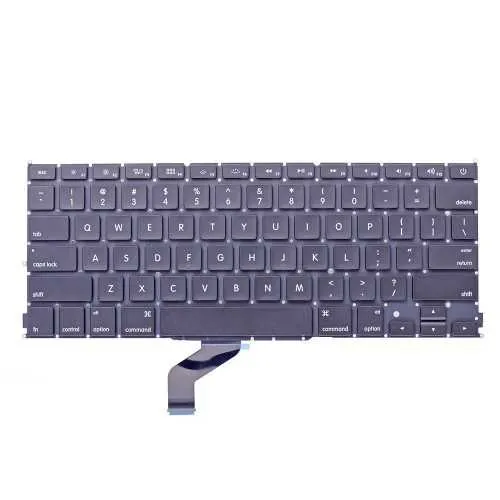
Keyboard for MacBook Pro 13-inch Late 2012/Early 2013
The keyboard for the MacBook Pro 13-inch Late 2012/Early 2013 is fixed to the frame and difficult to replace. The repair time is about 1-2 hours and we suggest you to plan a visit with our technician. If you decide to take on this job by yourself, make sure to order the correct language keyboard to fit your frame. Buy Part DIY
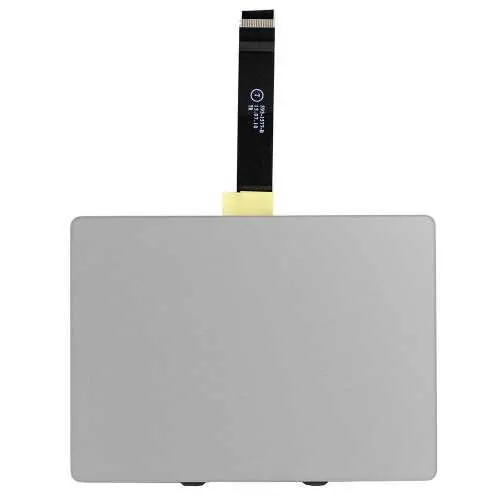
Trackpad for MacBook Pro 13-inch Late 2012/Early 2013
The trackpad for the MacBook Pro 13-inch Late 2012/Early 2013 is glued under the battery and difficult to replace even with the right tools. Make sure when replacing the trackpad that the cable is not damaged and that you already tried to adjust the trackpad's "click" with the special screw. Not sure what we are talking about? Bring it in and plan an appointment for our free check. Buy Part DIY
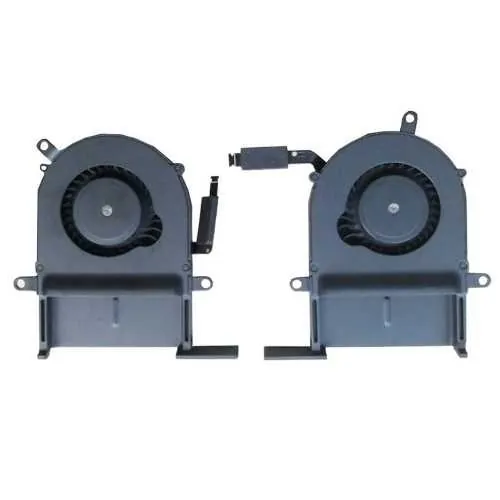
Fan for MacBook Pro 13-inch Late 2012/Early 2013
The fans for the MacBook Pro 13-inch Late 2012/Early 2013 are pretty easy to be swapped by yourself. You can order them as a set or per piece. Not sure which one is defect? Plan an appointment with our technician and we can check for you what needs to be replaced. It takes about 15 minutes of your time. Buy Part DIY
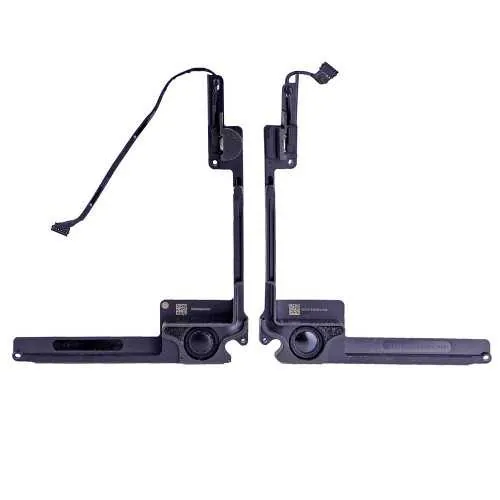
Speakers for MacBook Pro 13-inch Late 2012/Early 2013
The speakers for the MacBook Pro 13-inch Late 2012/Early 2013 can be replaced without removing the logic board in about 15-30 minutes of your time. You can order them in a set or per piece. When ordering make sure to order the correct side. If you are not sure how to do this, visit us any time and plan an appointment in advance. Buy Part DIY
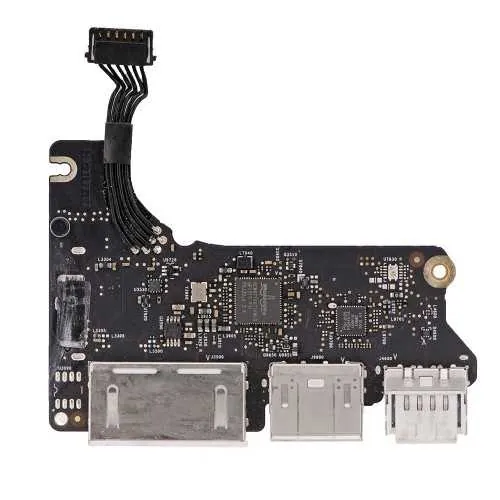
Wifi/Bluetooth card for MacBook Pro 13-inch Late 2012/Early 2013
The Aiport Wifi/Bluetooth card for the MacBook Pro 13-inch Late 2012/Early 2013 is very easy to replace with the correct screw driver and a tweezers. After removing the bottom plate you can replace it by removing one screw holding it in place. We can do this job for you as well within 5 minutes, plan an appointment in advance with our planner! Buy Part DIY
SSD drive for MacBook Pro 13-inch Late 2012/Early 2013
The SSD drive for MacBook Pro 13-inch Late 2012/Early 2013 is proprietary and only fits this years models. It is easy to replace by yourself. As an alternative to Apple's expensive original drive you can also opt for a compatible drive from Transcend or use a converter so you can use a normal PC M2 SSD drive. We can do this installation for you in no time! Plan an appointment today. PS: Do note we might have to order the drive you need to please check stock before ordering! Buy Part DIY
Ready to Get Your MacBook Pro Retina 13-inch (Late 2012–Early 2013) (Late 2012 – Early 2013, A1425) Fixed?
Book your free diagnostic today. Same-day service available.