
iMac 21.5-inch (Late 2012–2017) (A1418) Repair Bangkok
The slim 21.5-inch iMac across multiple Intel generations. From Ivy Bridge through Kaby Lake, these compact all-in-ones are popular for home and office use.

Our Services for the iMac 21.5-inch (Late 2012–2017)
Parts Replacements
Battery, screen, keyboard, trackpad and more. Original and high-quality OEM parts.
Liquid Damage Cleaning
Dropped liquid on your Mac? Our Ultrasonic Cleaning Service can fix that!
Logicboard Repairs
Apple says you need a new Logicboard? Let us try to fix it instead!
Software Problem?
Your Mac stopped working after a macOS update? We can help you out!
Running Hot?
Use our cleaning service to bring your Mac back to life!
Free Diagnostic
Not sure what is wrong? We offer a free diagnostic — no fix, no pay!
Available iMac 21.5-inch (Late 2012–2017) Repair & Part Replacements
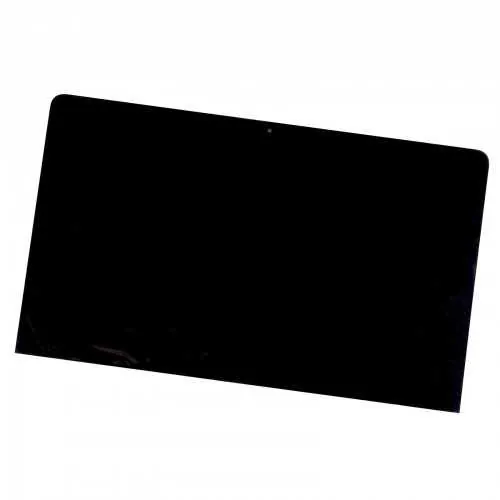
LCD Only Display MacBook Air 2012/2013
This is the LCD only for the Macbook Air 2012/2013 A1465. Due to the complexity of the repair our installation service is 2-3 days. If you want to perform this cheaper display fix, make sure the metal display assembly is not damaged or it will not be possible to install it properly. Buy Part DIY
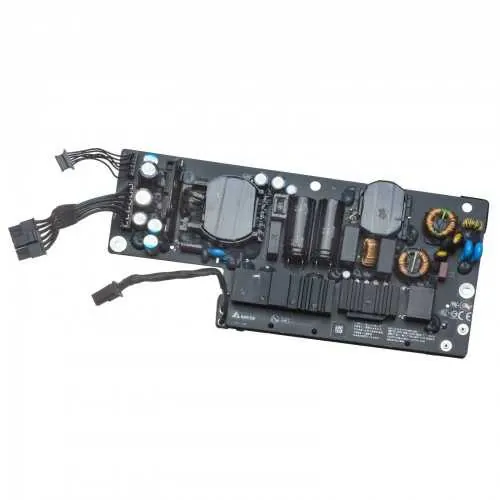
Battery for MacBook Air 2010/2011
The battery for the Macbook Air 2010/2011 A1370 is easy replacable, you can do it yourself with the included screwdrivers it only takes 5 minutes. If you dont feel secure about installing it yourself you can also plan an appointment with our Tech, he will clean your Mac and replace cooling paste free of charge as well! Buy Part DIY
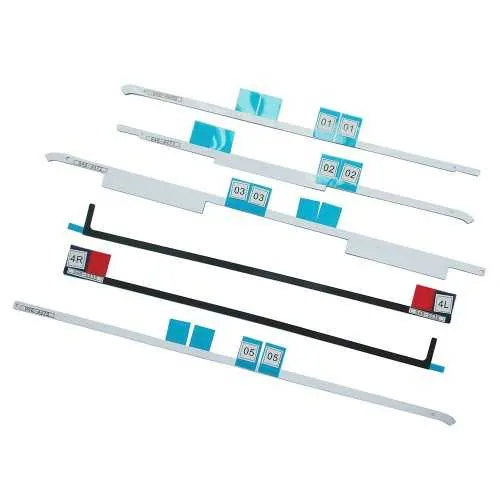
Keyboard for MacBook Air 2010/2011
The keyboard for the Macbook Air 2010/2011 A1370 is not so easy to replace as it is pop-nailed to the frame. If you have no experience it might be better to let our experience technician do this for you. This repair takes about 1 hour. Of course you can also buy the part from us and do it yourself. Make sure you order the correct keyboard. The UK versions return key is L shaped and does not fit US-Thai keyboard frames! Buy Part DIY
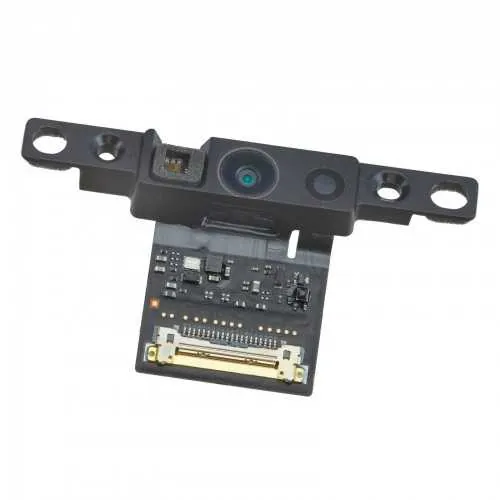
Trackpad for MacBook Air 2010/2011
The trackpad for the Macbook Air 2010/2011 is easy to replace yourself. The replacement will take about 15-30 minutes, The trackpad is accessible after battery removal. Not sure you can do it yourself? Plan an appointment with our repair technician. Buy Part DIY
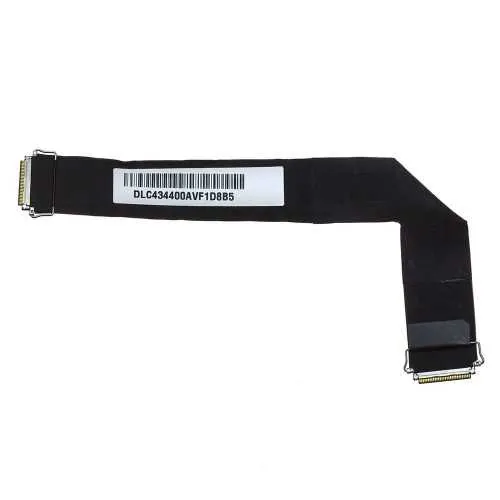
Fan for MacBook Air 2010/2011
The fan for the Macbook Air 2010/2011 is easy to replace yourself. The replacement will take about 20 minutes. You do need special screw drivers for it to be able to remove it. Alternatively, plan an appointment with our Tech and we will do it for you in 15 minutes of your time. Buy Part DIY
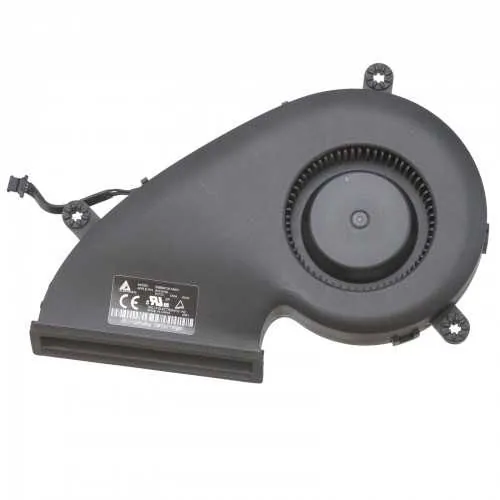
Speakers for MacBook Air 2010/2011
The speakers for the Macbook Air 2010/2011 are easy replaceable by yourself with the correct screw driver. It will take our technician about 15 minutes of your time. Please make sure if you order it for DIY to order the correct side. Buy Part DIY
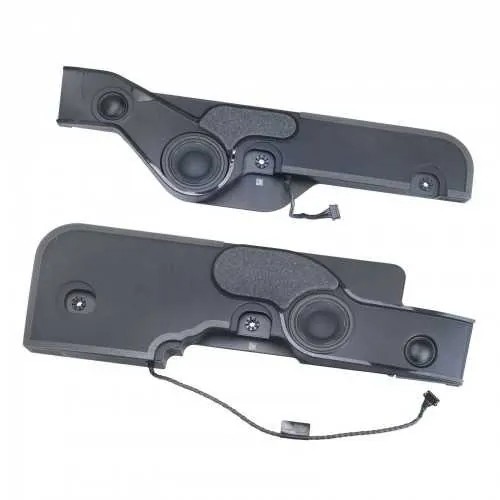
SSD drive for MacBook Air 2010/2011
The SSD drive for the Macbook Air 2010/2011 is available in 128 and 256GB sizes. Most of the available drives are used drives. Alternatively there are compatible drives available from Transcend that are both cheaper and have a 5 years warranty and come new in box. Lastly we can use an adapter and use a standard PC M2 PCIE Drive which will be a much cheaper solution and can be bought upto 1TB. With the right tools you can replace the drive within 15 minutes, or, visit our technician. We will do the backup of your data or the clean install of the OS free of charge! Buy Part DIY
Ready to Get Your iMac 21.5-inch (Late 2012–2017) (Late 2012 – 2017, A1418) Fixed?
Book your free diagnostic today. Same-day service available.